Customize
Shape your whale and the workers it starts, and see the profiles each one can use.
Works on: the desktop app. The phone and the web: not available yet.
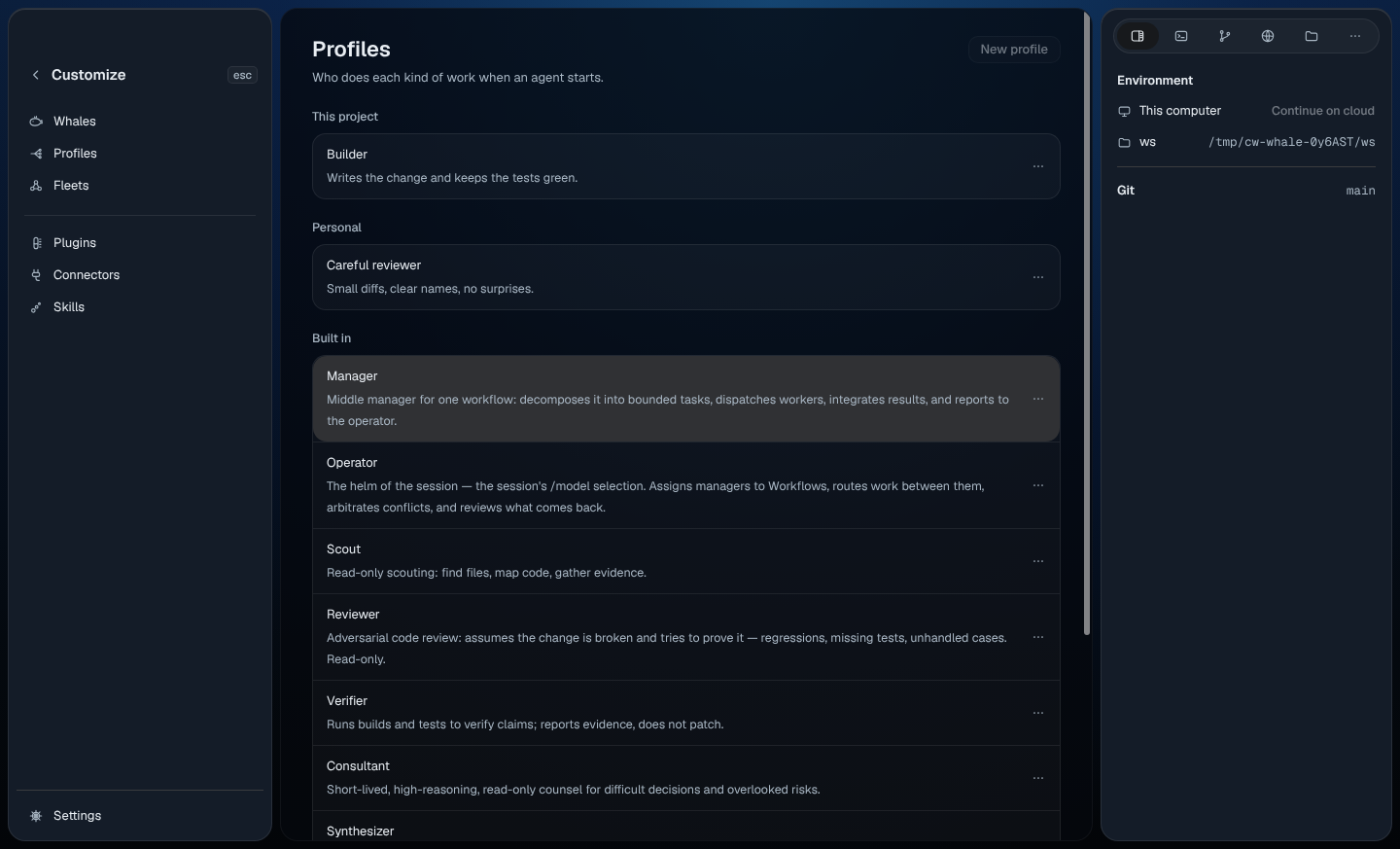
Open Customize
Choose Customize in the sidebar, or pick Open Customize in the command palette (⌘K, or Ctrl+K on Windows and Linux). Customize takes the place of the conversation, and its list replaces the sidebar:
- Whales, Profiles and Fleets
- Plugins, Connectors and Skills
To go back to your conversation, press Esc or the back arrow beside Customize. Customize opens again on the page you left.
See your whale
Whales lists your whale with its look, where it lives (This Mac, or This computer on Windows and Linux) and what it's doing. Choose it to open its profile on the right; see Your whale. Right-click it, or press its ⋯, for the same menu as the whale at the top of the sidebar.
New whale: Not available yet.
See the profiles your workers use
A profile describes a kind of worker your whale can start, such as a careful reviewer or a builder. Profiles groups them by where they come from:
- This project: profiles saved with this folder, in
.codewhale/agents/<id>.toml. They show only in a folder you trust. - Personal: your own profiles, in
agents/<id>.tomlin your Codewhale folder (~/.codewhaleunless you moved it). They work in every folder. - From plugins and From other apps: change them where they come from.
- Built in: the workers Codewhale comes with.
When a project profile and a personal one have the same id, the project one is used in that folder.
To change a profile, edit its file in any text editor. The page shows the change within a few seconds. To copy a profile's id, right-click it (or press its ⋯) and choose Copy › Copy ID.
New profile and Edit…: Not available yet.
See your fleets
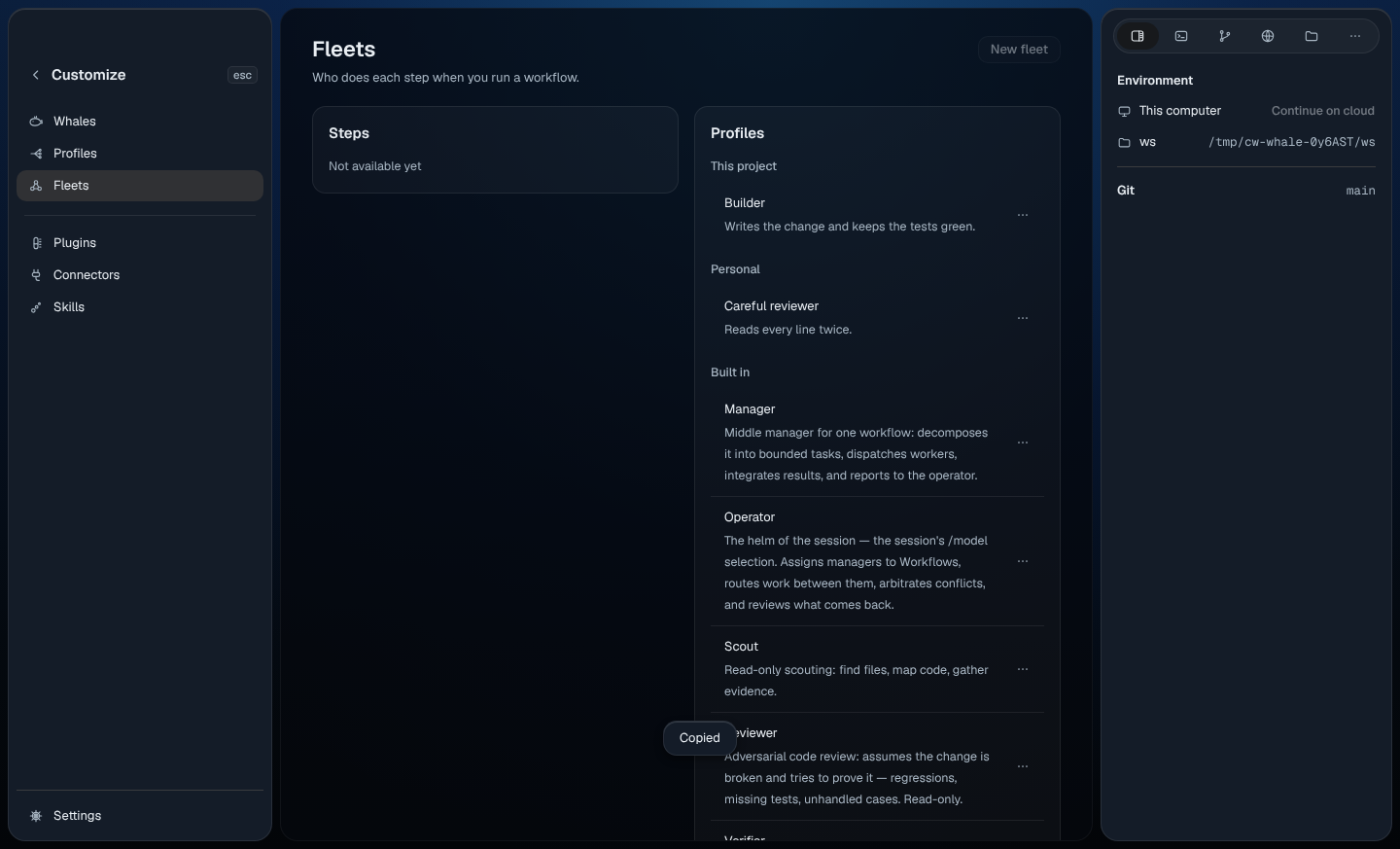
A fleet says which profile does each step when you run a workflow. Fleets shows your profiles. "A step without a profile does its usual job."
Steps and New fleet: Not available yet.
Plugins, connectors and skills
See Plugins and Connectors and skills.
Related
Previous: Maintainer mode · Next: Your whale